How to Fix Streaming Buffering — Netflix, Disney+, YouTube, and IPTV
Netflix freezing, YouTube stalling, IPTV zapping into a spinning circle? The five real causes of streaming buffering, ranked by how often they are the actual culprit — and the fixes in the order to try them.
Quick answer: streaming buffering — on Netflix, YouTube, Disney+, or an IPTV lineup — is almost always your network, not the service. In order of likelihood: Wi‑Fi congestion, a saturated or aging router, ISP traffic shaping at peak hours, device limits, and only then platform problems. Fix the first two and most "my TV keeps buffering" cases disappear.
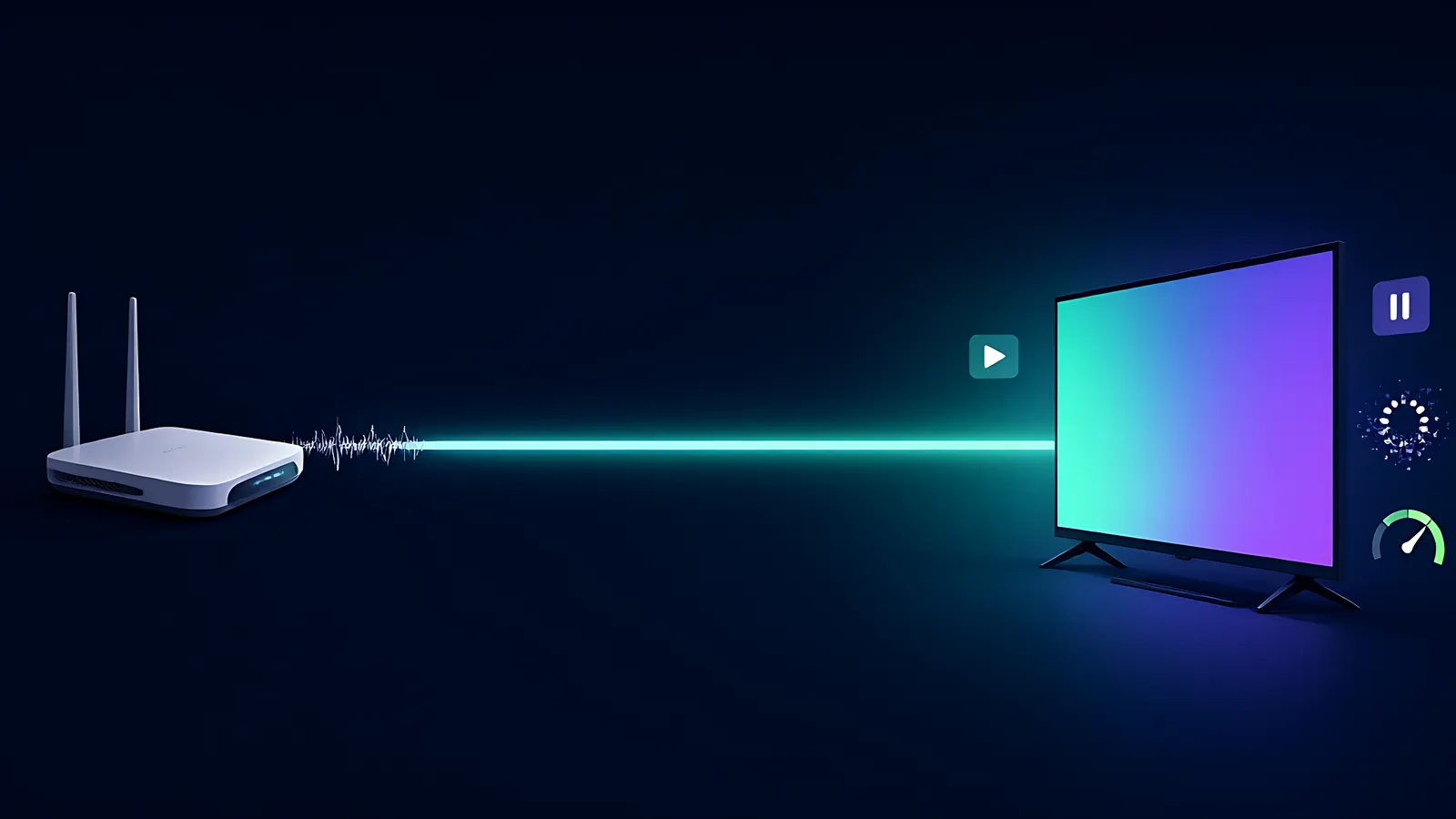
Every streaming app on your TV delivers video the same way at the bottom: small chunks of video, pushed to your screen over your internet connection, adjusting quality on the fly. When one of those chunks arrives too slowly, the player pauses to catch up. That pause is the spinning circle you are trying to kill. This guide works through the five real causes, in the order you should check them, whether you are watching a Netflix series or an IPTV channel lineup.
The five causes, ranked by how often they are the actual culprit
- Wi‑Fi congestion. Shared 2.4 GHz band, thick walls, microwave interference, or simply too many devices pulling bandwidth at once. This is the single most common cause, and it is the cheapest to fix.
- A router at its limit. Older hardware, a full NAT table, or a router that cannot keep up with the number of concurrent streams in the household.
- ISP traffic shaping. Some providers deliberately slow video traffic during evening peak hours (typically 19:00–23:00). Your speed test at noon looks fine; your 9 o’clock stream does not.
- Device limits. Low‑memory boxes that stutter when the channel list, the app, and the decoder all compete for the same 1 GB of RAM.
- Platform‑side issues. CDN outages or congested edge servers. Possible, but rarer — and easy to prove or rule out.
Step 1 — Get Wi‑Fi out of the equation
Run the same stream over a wired connection, or at least on the 5 GHz band within 15 meters of the router, and watch what happens. If the buffering vanishes, you have your diagnosis: the wireless link is the bottleneck. The fixes in priority order are: move the device closer or add a second router/access point on 5 GHz, switch the congested channel, and put the primary TV on Ethernet. A 10‑meter cable run beats every Wi‑Fi setting. For an IPTV setup specifically — where the stream is a continuous live feed rather than a file download — stable throughput matters more than peak speed, so wired connections help even more.
Quick targets: an HD stream wants roughly 5–8 Mbps sustained; a 4K stream wants 15–25 Mbps. Sustained is the keyword — a connection that spikes to 300 Mbps but dips below 8 for a few seconds will buffer constantly.
Step 2 — Find out if your ISP is shaping your traffic
The tell‑tale signature is time‑of‑day: flawless streaming before 18:00, constant pausing after 21:00, on the same device and the same content. If that matches, run a speed test during the exact window where it buffers and compare it with your plan’s advertised rate. A large gap that appears only in the evening points to congestion or deliberate shaping. One controlled experiment helps: routing the stream through a VPN changes the traffic signature, so if buffering disappears behind a VPN and returns without it, your ISP is very likely the actor. The VPN is the diagnostic — and sometimes the temporary fix — not a permanent crutch. When it genuinely helps and when it makes things worse, the VPN performance guide walks through the logic.
Step 3 — Rule out the device
Older Android boxes with 1 GB of RAM will struggle with modern apps regardless of connection quality: the channel list, the EPG, the decoder and the OS all share the same memory. Symptoms include slow channel switching, UI lag between episodes, and buffering that hits at the same moment a second app loads. The checks: close background apps, restart the box (the boring fix that works more often than any setting), and test the same stream on a different device. If the second device is clean, the box is your limit — upgrades and per‑device recommendations are covered in the IPTV troubleshooting guide.
Step 4 — Prove it is the platform (or not)
When steps 1–3 come back clean, the remaining suspect is the service’s own delivery network. Three fast checks: does the same title buffer on a mobile data connection too (which uses a completely different path)? Do multiple streaming apps buffer at once, or just one? And does the problem follow the content — one specific show stutters while everything else is fine? A CDN serving from a congested edge node will usually show one or two of these. For IPTV, the platform side also includes the provider’s own infrastructure: source servers, the CDN with its edge nodes, and the encoding of each channel. That whole chain, and how to tell which link in it is failing, is the subject of the dedicated buffering guide.
What "stable" means more than "fast"
Adaptive‑bitrate delivery — the system behind every major platform — trades quality for continuity: when the pipe narrows, it drops resolution instead of freezing. So a 4K stream that keeps downgrading to 720p every few minutes is your connection telling you it cannot sustain the top tier. Householders who notice the picture getting grainier in the evenings are not imagining it; that is ABR doing exactly what it should. The permanent fixes are the boring ones — wired where possible, a router that keeps up, and a connection with enough headroom for everyone in the house. If you watch live TV through IPTV as well as on‑demand through the usual apps, that is the point where delivery quality starts to matter more than catalog size: a lineup is only as good as its weakest evening. NANO IPTV runs its channels over a CDN with edge nodes precisely so the stream holds quality at peak hours instead of collapsing to a lower tier — 25,000+ live channels, 140,000+ on‑demand titles, 7‑day EPG and catch‑up included. If the test above shows your own network is healthy and it is the delivery that is dropping you, that is the comparison worth making: start with the cost breakdown in the buffering guide, then try the plans and the free trial on the hardware you already own.
The NANO IPTV engineering team collectively authors guides on EPG, VOD, catch-up, and streaming infrastructure. Based across Stockholm, Lisbon, and Almaty. We write the documentation we wish we had when we started building this platform.