M3U vs Xtream Codes — which should you use?
Both formats deliver streams to your player, but the experience is fundamentally different. Here is a detailed comparison of M3U and Xtream Codes with platform-specific recommendations.
When you sign in to a modern IPTV service, you usually get two ways to connect: an M3U URL and a set of Xtream Codes credentials. They are not interchangeable — they represent two different philosophies of how a player should talk to a server — and the right one depends on the player you use, the features you want, and your tolerance for setup complexity.
M3U: the universal format
M3U is a flat text file. Each line is a stream URL with optional metadata. It is the simplest possible format for video playlists and works in virtually every media player ever written — from VLC on a Raspberry Pi to a $50 Android box from five years ago.
How it works under the hood: The player makes one HTTP GET request to your M3U URL. The server returns a text file listing every channel in your subscription. The player parses the file, extracts the stream URLs, and builds its internal channel list. The entire operation takes a single HTTP round-trip.
Advantages of M3U:
- Universal compatibility — works on literally any player that can read a text file over HTTP.
- One URL to manage — paste it once, done.
- No login flow — the URL itself carries the authentication (username and password are query parameters).
- Lightweight — the entire channel list is a single flat file, no API calls needed.
Disadvantages of M3U:
- No category structure — every channel appears in one flat list. With 24,000 channels, scrolling through an M3U playlist is not practical without a search function in the player.
- No per-stream metadata beyond what the player can extract from the URL.
- No built-in EPG — you need to paste a separate XMLTV URL for the program guide.
- No catch-up support — catch-up requires the Xtream Codes API protocol.
- The URL is a single point of failure — if it leaks, anyone with it can access your streams until you regenerate it.
Xtream Codes: the structured API
Xtream Codes is a small HTTP API. The player logs in once with a username and password, receives a session token, then queries the API for categories, streams, EPG, and catch-up. The protocol was originally designed for the Xtream Codes panel software (a popular IPTV management system) and has since been adopted by most modern players.
How it works under the hood: The player sends a POST request with username and password. The server authenticates and returns user info, server info, and a session. The player then makes sequential API calls: get live categories → get streams for a category → get EPG for a stream → check catch-up availability. A full login and category load involves 4-6 HTTP requests.
Advantages of Xtream Codes:
- Structured browsing — categories, sub-categories, search. Navigating 24,000 channels is practical.
- Automatic EPG integration — the player pulls the EPG URL from the server, no manual configuration.
- Catch-up support — the API exposes which channels offer catch-up and the time window (usually 3-7 days).
- Per-stream metadata — channel name, logo URL, stream type, EPG channel ID are all queryable.
- Multi-device session management — the server can enforce connection limits per account and disconnect stale sessions.
Disadvantages of Xtream Codes:
- Player support is more limited — the player must implement the Xtream Codes protocol. Older or niche players may not support it.
- More API calls mean slightly slower initial load on slow connections.
- The protocol is not an open standard — it is reverse-engineered from the original Xtream Codes panel, which means implementations can vary slightly between players.
When to use M3U vs Xtream Codes
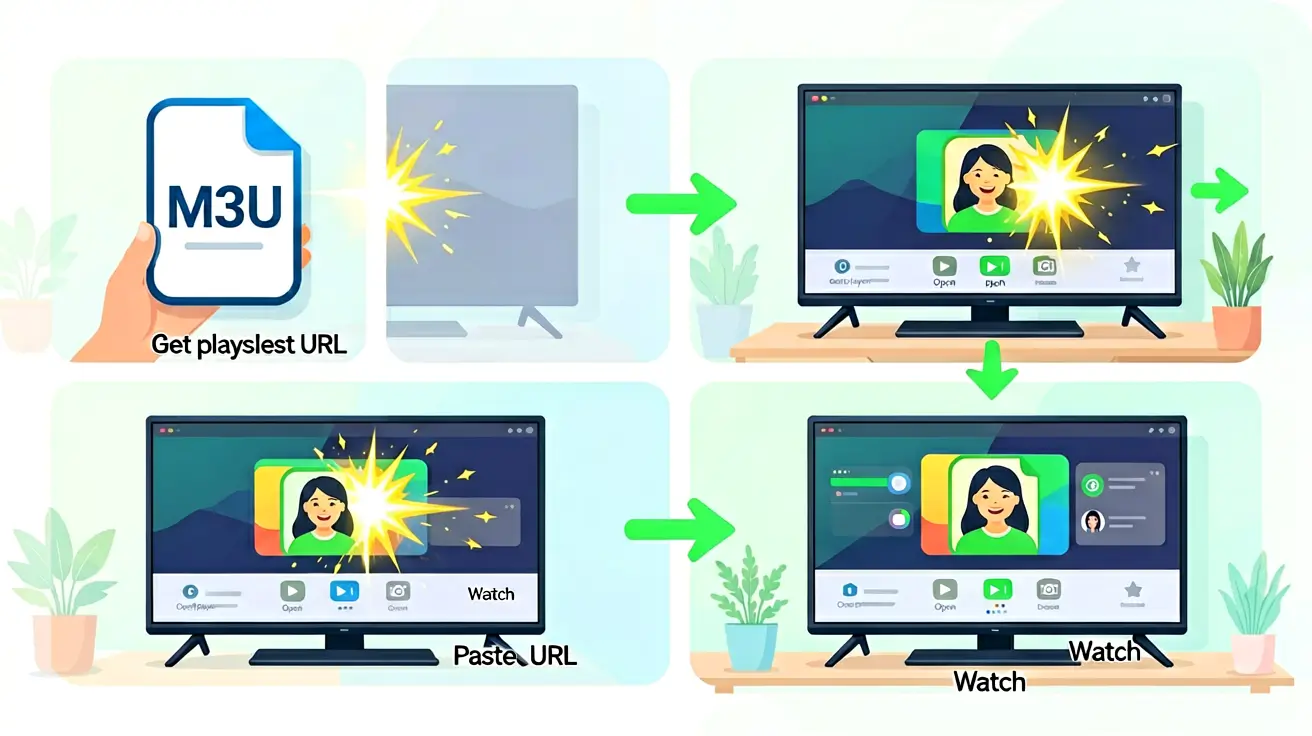
- Use M3U if you are on a niche player, a simple device (older Smart TV, basic media box), or you just want the channels to work without any extra configuration. M3U is also the right choice for one-off troubleshooting — paste the URL into VLC and test if a specific channel plays.
- Use Xtream Codes if you are on a modern player — TiviMate, IPTV Smarters, iPlayTV, GSE Smart IPTV — and you want a structured category browser, automatic EPG, and catch-up. This is the recommended setup for 95% of users.
Can you use both at the same time?
Yes. The same subscription works in M3U mode on your old bedroom TV and in Xtream Codes mode on your living-room TiviMate, with no extra cost. The concurrent connection limit still applies — using both formats counts toward the same device limit — but there is no technical restriction preventing mixed usage.
For a step-by-step walkthrough of the M3U import process, see our M3U setup guide. And if you are wondering which player to use, our IPTV player comparison covers TiviMate, IPTV Smarters, VLC, Kodi, iPlayTV, and Perfect Player with device-specific recommendations.
Performance comparison
| Metric | M3U | Xtream Codes |
|---|---|---|
| Initial playlist load | 1 HTTP request, ~200-500ms | 4-6 HTTP requests, ~800-1500ms |
| Channel switching | Direct stream URL, ~1-2s | API lookup + stream URL, ~1-3s |
| EPG load | Separate XMLTV request, manual config | Auto-fetched during login, no config |
| Category browsing | Not available — flat list only | Structured API, instant switching |
| Catch-up support | Not available | Full catch-up API, 3-7 day window |
Device compatibility matrix
| Player | M3U | Xtream | Notes |
|---|---|---|---|
| TiviMate | Full | Full | Xtream recommended — auto EPG + catch-up |
| IPTV Smarters | Partial | Full | Built for Xtream; M3U is secondary |
| iPlayTV | Full | Full | Both work well; Xtream for EPG |
| VLC | Full | None | M3U only |
| Kodi | Full | Partial | M3U via Simple PVR; Xtream via addons |
| Perfect Player | Full | Full | Both work; dated UI but stable |
Real-world scenarios — which format for which situation
Scenario 1 — "I just want it to work on my old Smart TV": Use M3U. Older TVs often have basic media players that accept M3U URLs. Paste once, done.
Scenario 2 — "I want the best experience on my new Nvidia Shield": Use Xtream Codes with TiviMate. Auto EPG, category browsing, catch-up, channel logos, multi-screen.
Scenario 3 — "I troubleshoot streams and need a quick test tool": Use M3U with VLC on desktop. No login, no session management. Fastest way to isolate playback issues.
Scenario 4 — "I have four TVs — different brands, different ages": Use a mix: Xtream on modern devices, M3U on older ones. Same subscription, same account, zero extra cost.
The future of IPTV formats
M3U is from 1997. Xtream Codes is reverse-engineered. What is coming: standardized REST APIs, JSON-based playlists, and WebRTC-based low-latency streaming. For now, M3U and Xtream Codes cover every device and use case. The next generation will make both feel like dial-up.
Migration guide — switching from M3U to Xtream Codes
- Log in to your dashboard and copy your Xtream Codes username and password — they are separate from your dashboard login.
- In your player, remove the existing M3U playlist and add a new one using the Xtream Codes login option.
- Enter the server URL, username, and password from your dashboard.
- The player auto-configures EPG, catch-up, and categories — no additional setup needed.
- Re-create your favorites list — M3U favorites do not transfer to Xtream Codes.
Advanced configuration — getting the most from Xtream Codes
Xtream Codes unlocks features that M3U simply cannot provide. Here is how to configure them for the best experience:
EPG auto-refresh scheduling
Players using Xtream Codes automatically pull the EPG URL from the server during login. Most players refresh the EPG every 24 hours. You can adjust this interval in the player settings — 24 hours is optimal. More frequent refreshes do not provide fresher data (the guide is updated once per day on the server side) and waste bandwidth.
Catch-up configuration
Catch-up is automatic with Xtream Codes — no separate URL to configure. When browsing the EPG, channels with catch-up support show a clock icon. Select a past program and the player requests the archived stream from the server. The catch-up window (3-7 days) is per-channel and set by the broadcaster. You cannot extend it from the player side.
Multi-screen setup
TiviMate Premium with Xtream Codes supports watching up to 4 channels simultaneously on one screen — great for sports fans who want to follow multiple matches at once. Since your plan includes one simultaneous stream, multi-screen mode consumes the entire connection slot. Each of the 4 sub-screens uses part of the single stream's bandwidth, so ensure your home connection can handle the combined bitrate (4 × 5-8 Mb/s for 1080p sub-screens).
Player-specific Xtream Codes tips
- TiviMate: Settings → Playlists → [your playlist] → Xtream Codes Parameters → adjust the "Update interval" for playlist and EPG refreshes independently. Set EPG to 24 hours, playlist to 12 hours to catch newly added channels faster without overloading the EPG download.
- IPTV Smarters: The Xtream Codes login screen has a "Remember me" checkbox — use it. Without it, the app re-authenticates on every launch, adding 2-3 seconds to startup time.
- iPlayTV: Xtream Codes login is under "Add Playlist → XC Login." The app stores credentials in iCloud Keychain — useful if you have multiple Apple TVs in the house.
Which format is more secure?
Xtream Codes is marginally more secure because credentials are sent in the request body, not visible in the URL. An M3U URL exposes credentials as query parameters — visible in browser history, server logs, and any screen recording or screenshot. Both formats use HTTPS encryption so credentials are not visible in transit, but at rest (on the device, in logs) M3U URLs leak credentials. If you share a screenshot of your player settings and the M3U URL is visible, you have just shared your credentials. Regenerate the URL immediately if this happens. For more on account security, see our privacy and IPTV guide.
Sasha handles the server fleet and network topology. Background in telecom and ISP operations — if something needs to get packets from A to B with sub-millisecond jitter, she is the person who makes it happen. Writes about player configuration, latency, and protocol internals.
Everything you need to get IPTV running — choosing between M3U and Xtream Codes, picking the right player, importing playlists, and configuring multi-device streaming. The complete setup manual from first sign-in to first frame.