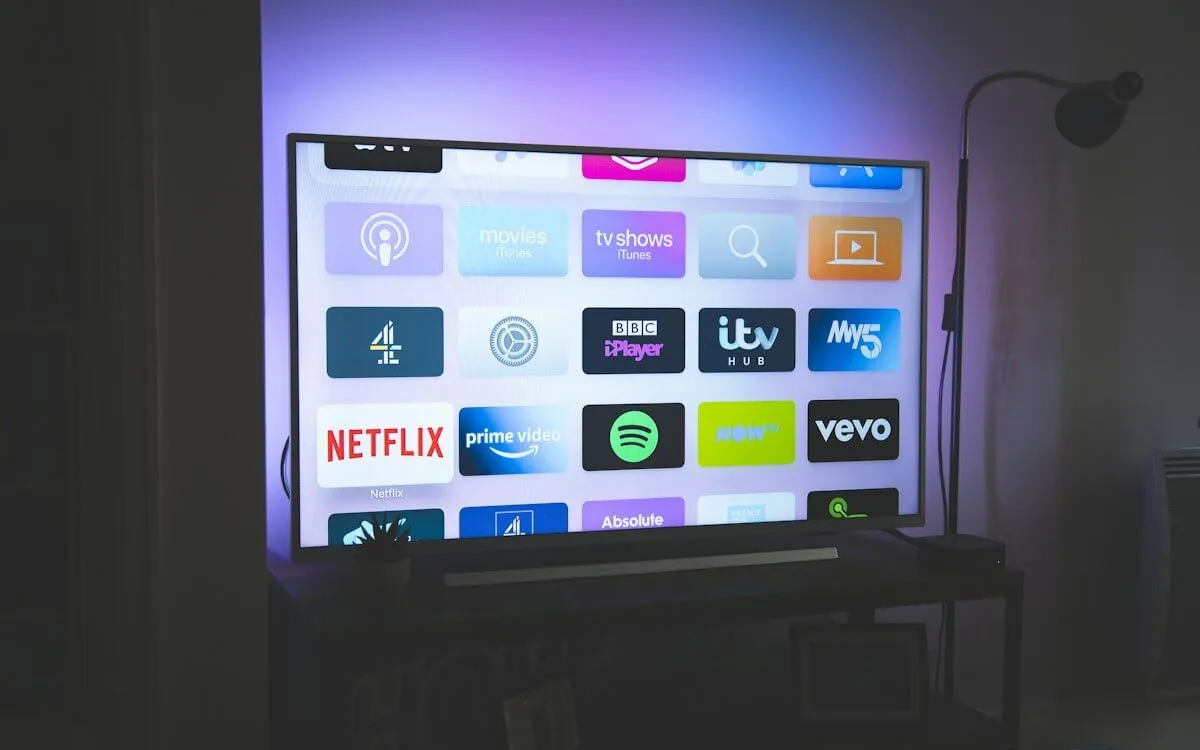
IPTV Subscription in 2026 — What a Premium Plan Actually Includes
What does an IPTV subscription get you — channels, EPG, catch-up, VOD — and how do plans and packages compare? A no-nonsense look at the premium IPTV subscription before you order.
IPTV subscription searches are usually the first stop for someone new to the technology: what do I actually get, which IPTV packages exist, and what should a decent IPTV provider include? This guide answers it in plain terms — and explains what separates a premium IPTV subscription from a discount playlist you might find on a forum.
What an IPTV subscription includes
Every serious provider bundles five things into a subscription. If a package is missing one of them, it is either a barebones reseller deal or a playlist you should not pay for:
- Live channels: The core. A good subscription means a maintained working channel count — not an inflated advertised figure. NANO IPTV keeps 25,000+ working live channels with a weekly dead-link removal cycle.
- Electronic Program Guide (EPG): The on-screen grid showing what is on now, next, and for the next seven days. An accurate, near-complete EPG is what makes 25,000 channels usable. Has its own deep dive in our EPG and catch-up guide.
- Catch-up: Rewind a live broadcast to a show that aired in the last few days. Not every channel supports it, and it requires Xtream Codes — which is why a good subscription includes it.
- Video on demand (VOD): A curated library of films, series, and documentaries, separate from live channels. NANO IPTV carries 140,000+ titles (238,000+ on Premium).
- M3U + Xtream Codes credentials: Both formats, so you can log in from any player — TiviMate, IPTV Smarters, iPlayTV, VLC.
IPTV subscription USA — the specifics that matter
If you are searching "IPTV subscription USA" or "IPTV provider USA", the deciding factors are US-specific: do the networks and sports channels you watch actually work during peak US hours, is there a low-latency server near you, and does the provider handle US sports rights responsibly? Cable costs $60–130/month; an IPTV subscription replaces it for a fraction of that. The one-device model means your home connection only needs to support a single stream — extra devices are available at a reduced cost rather than forcing you into a costly multi-screen tier. US network and sports coverage is covered in more detail in our best iptv guide.
How IPTV packages are priced in 2026
Most IPTV packages follow the same shape NANO IPTV uses — two tiers, four subscription lengths, one-time payment — because it maps to how people actually commit:
| Plan | Standard | Premium 4K |
|---|---|---|
| 3 Months | $24.99 ($8.33/mo) | $34.99 ($11.66/mo) |
| 6 Months | $34.99 ($5.83/mo) | $49.99 ($8.33/mo) |
| 12 Months | $49.99 ($4.11/mo) | $64.99 ($5.34/mo) |
| 24 Months | $79.99 ($3.29/mo) | $119.99 ($4.93/mo) |
Every plan covers exactly one device streaming at a time. Need more screens? Each additional device is added at a reduced cost — 75% of the plan price per extra device, up to five total. The honest per-month cost picture against streaming services lives in our streaming vs IPTV cost math. For a full walkthrough of the pricing model, see IPTV pricing in 2026.
How an IPTV subscription delivers the channels
Understanding delivery removes most of the guesswork when you compare IPTV packages. Live TV arrives over the internet as a stream, usually through one of two connection formats: M3U (a plain playlist URL that lists channel addresses) or Xtream Codes (a structured API you log into with a username and password). For most viewers, Xtream Codes is the better choice: it pulls in the EPG, category browsing, and catch-up automatically, with nothing extra to configure. M3U matters when you are on a niche player or troubleshooting a single channel in a tool like VLC.
Whichever format your provider hands over, it is just the address book — the quality of what you actually watch is decided by the infrastructure behind it. A good IPTV subscription is an IPTV provider running a CDN with edge nodes, so your stream comes from a server near you rather than one overloaded origin. That is the difference between a stable feed on a Saturday night and one that buffers the moment everyone tunes in for the match. The M3U-versus-Xtream decision, and how each protocol works under the hood, is explained in full in our M3U vs Xtream Codes guide.
What to verify before you choose a provider
When we evaluate an IPTV subscription before recommending it, we run the same checklist every time — and you can run it too, during a trial:
- Working channel count, not the advertised one. Ask how dead links are handled. A weekly removal cycle means the number you see is close to the number that loads.
- EPG coverage. An empty or broken program guide makes 25,000 channels unusable. Verify the guide is near-complete and updates daily.
- Peak-hour stability. Test at 8–11 PM local time and during a live match, not on a quiet Tuesday afternoon. This is where cheap infrastructure shows itself.
- Both formats. Xtream Codes for your main player, M3U as a fallback for troubleshooting. A provider that only gives you one limits you.
- A real trial with no card. If the "trial" wants a card, it is a funnel to charge you, not a confidence signal.
- Support you can actually reach. When the stream dies at 11 PM, does anyone answer? Response time is the loyalty metric.
Running through this list takes one evening on a free trial and saves you from discovering the problems on a paid plan. Our IPTV services guide expands each point and explains how to read provider reviews without getting scammed.
Plan lengths, one device, and extra screens
Most IPTV packages let you commit for 3, 6, 12, or 24 months, and longer commitment means a lower per-month price. On NANO IPTV the standard model is deliberately simple: every plan streams on exactly one device at a time, and rather than forcing households onto an expensive "multi-screen" tier, additional devices are added at a reduced cost — 75% of the plan price per extra device, up to five in total. If you are a one-TV household you only ever pay for one stream; if you have screens in several rooms, you buy only what you need.
Because each plan is a single stream, your home connection only needs to keep up with one stream at a time — around 5–8 Mb/s for 1080p and roughly 25 Mb/s for 4K. That keeps bandwidth requirements realistic for most connections. Managing who can watch on which screen, and switching devices, is covered in our multi-device streaming guide.
What to do if a channel is missing or broken
Even on a well-maintained service, the occasional channel goes down or a new one you want is missing. A good IPTV provider makes this easy to resolve: you find the fault, report it, and the channel is fixed or reinstated. On NANO IPTV you can verify a channel during the trial, report any dead link, and have credentials regenerated on WhatsApp if a stream is misbehaving. When specifics like exact channel names, availability, or connection limits matter, the fastest way to get an authoritative answer is to ask in the WhatsApp chat — the team can confirm the precise line-up before you commit. The broader troubleshooting path — buffering, no EPG, login failures — is laid out in order of likelihood in our IPTV troubleshooting guide.
Premium IPTV — what the upgrade gets you
Premium IPTV and "4K IPTV" are marketing labels, but they map to real differences when they mean something. On NANO IPTV, Premium adds 57,000+ live channels (vs 25,000+), 238,000+ on-demand titles, 4K UHD streams where the source supports them, premium sports, and priority support. Before you pay a premium for 4K, read what 4K IPTV actually delivers — the source, your device, and your HDMI chain all have to cooperate or you are paying for pixels you cannot see.
How to order — and the trial that removes the risk
There is one IPTV subscription purchase decision with no downside: the free 24-hour trial requires no credit card. Sign up, install a player, enter your credentials, and use it like real TV for a day — including peak evening hours. If it works on your connection and device, choose a plan; if it does not, you owe nothing. All paid plans are placed by messaging NANO IPTV on WhatsApp, where payment details arrive in the chat and the subscription is activated once the transfer is confirmed. New to the terms? Start with the IPTV glossary.
Frequently asked questions
How many devices can an IPTV subscription use?
One device streams at a time on the base plan. Each additional device is added at a reduced cost — 75% of the plan price per extra device, up to five total. You can always have the team switch or disconnect a device for you on WhatsApp.
Do I need a VPN for an IPTV subscription?
No. The service is not restricted by IP location and works anywhere. A VPN is optional and fully compatible if your ISP throttles streaming during peak hours — see our VPN for IPTV guide.
Is an IPTV subscription legal?
IPTV is a delivery method — the same protocol Netflix uses. Legality is about content licensing. A licensed provider that holds distribution rights for its channels operates legally; a playlist restreaming content without rights does not. NANO IPTV operates a licensed model. More in IPTV myths vs reality.
Can I cancel or switch plans easily?
Yes on a transparent provider. NANO IPTV uses one-time payments with no recurring auto-billing, so you are never unexpectedly charged. If you want to move up or down a tier, or extend, you just message the team on WhatsApp and the change is applied. Choosing the shortest plan first — then stepping up once you trust the service — is the lowest-risk way to begin.
Is the EPG included, or do I configure it myself?
A good subscription includes it. On Xtream Codes, the EPG attaches automatically when you log in — no separate XMLTV address to hunt down. That is part of why the format matters: the more configuration you are asked to do by hand, the more likely the provider is cutting corners on data. If your guide shows "No information" in places, that is fixable and covered in our EPG troubleshooting guide.
Marcus runs the routing and encoding pipeline at NANO IPTV. Ten years of streaming infrastructure experience across CDN, HLS, and MPEG-DASH. Previously at a Nordic broadcast uplink provider. Writes about the practical side of getting a stream from the source to the screen.
How to choose the best IPTV service in 2026 — what actually matters beyond channel count, how to evaluate stream quality, EPG coverage, uptime, and real pricing. A practical comparison with a checklist you can use before committing to any provider.