Arabic IPTV Boxes — Best Devices for Arabic Channels & Content
The best devices and IPTV boxes for Arabic channels — which hardware supports Arabic EPG, right-to-left interfaces, and Arabic-language content libraries.
Arabic IPTV has specific requirements that most generic IPTV guides ignore. Arabic channels often use different encoding formats, Arabic EPG data requires proper Unicode rendering, and many Arabic-language viewers prefer devices with Arabic interface support. This guide covers the best devices for Arabic IPTV content, which boxes handle Arabic EPG correctly, and what to look for when choosing a device for Arabic channels.
What makes a device good for Arabic IPTV
Arabic content has a few technical requirements that differ from English-language IPTV:
- Arabic EPG rendering: The electronic program guide must display Arabic text correctly — right-to-left (RTL) alignment, proper character shaping, and Unicode support. Most Android TV devices handle this well, but some older Smart TVs display garbled Arabic text.
- Arabic channel categories: Many Arabic IPTV providers organize channels by country (Saudi, Egyptian, Emirati, etc.) and genre (movies, sports, news). A good player should handle Arabic category names without encoding issues.
- Right-to-left interface support: If the player app supports Arabic as a UI language, the entire interface should flip to RTL. IPTV Smarters supports Arabic; TiviMate does not.
- Arabic VOD libraries: Arabic IPTV often includes large VOD libraries with Arabic movies and series. The device needs enough storage and processing power to handle browsing large libraries smoothly.
Best devices for Arabic IPTV
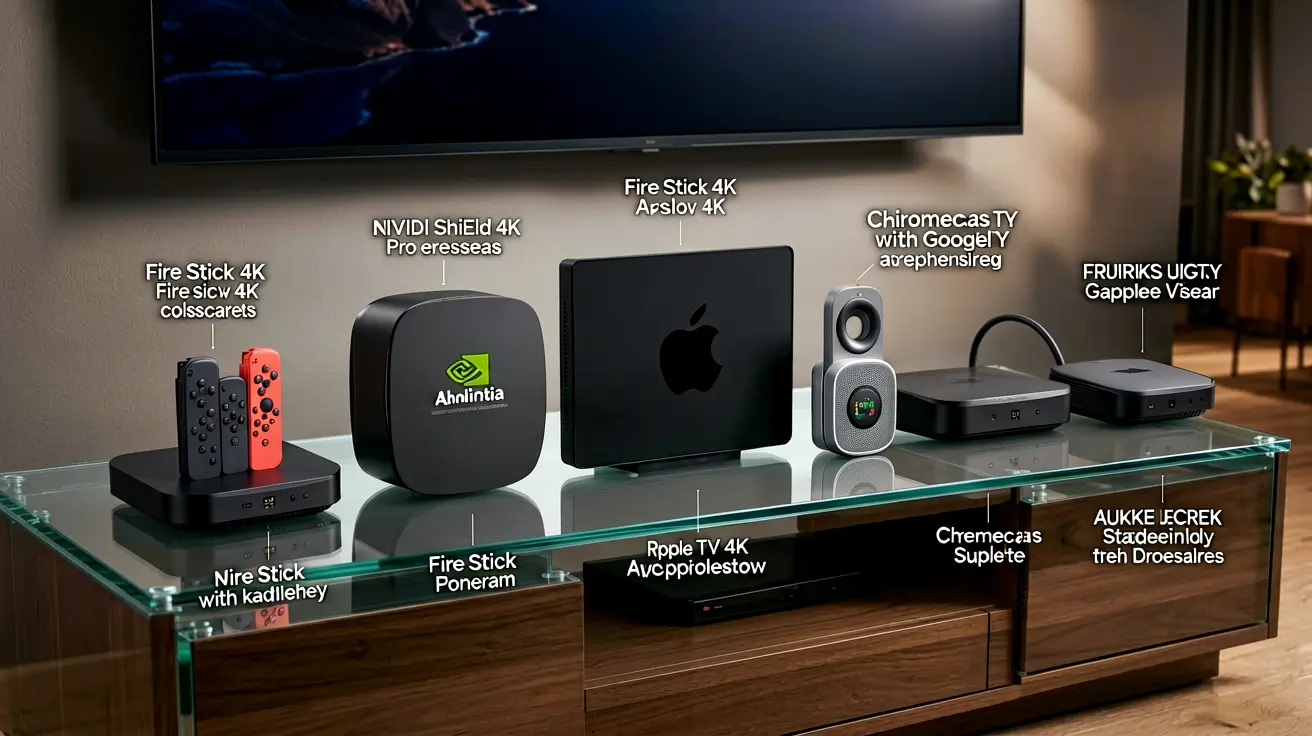
1. Nvidia Shield TV Pro ($200) — best overall for Arabic content
The Shield handles Arabic EPG perfectly — proper RTL rendering, correct character shaping, and no encoding issues. TiviMate (the best IPTV player) displays Arabic category names and EPG data correctly on the Shield. 3 GB RAM handles large Arabic channel lists (15,000+ channels) without memory pressure. The Shield also supports Arabic subtitles in VOD content. If you watch Arabic IPTV daily and want the best experience, this is the device.
2. Amazon Firestick 4K Max ($55) — best value for Arabic
IPTV Smarters on Firestick renders Arabic EPG correctly and supports Arabic as a UI language. The Firestick's 2 GB RAM is sufficient for most Arabic IPTV subscriptions (which typically have 5,000-10,000 channels). Sideload IPTV Smarters via Downloader — our Firestick IPTV Smarters guide covers the process. The Firestick is the most popular device among Arabic IPTV users worldwide due to its low price and reliable performance.
3. Formuler Z11 Pro ($130) — dedicated for Arabic
Formuler boxes are popular in the Middle East and among Arabic-speaking communities. The Formuler Z11 Pro runs MyTVOnline2, which has excellent Arabic EPG support and a clean interface for browsing Arabic channels. The remote control has dedicated buttons for channel switching, which is useful for flipping through Arabic channels quickly. Our Formuler Z11 Pro guide covers the full setup.
4. MAG 524 ($80) — traditional Arabic IPTV box
MAG boxes are widely used by Arabic IPTV providers, especially in the Middle East and North Africa. The MAG 524 runs Stalker middleware, which many Arabic providers support natively. The interface is basic but functional, and Arabic EPG rendering is reliable. The downside: MAG boxes have a steeper learning curve than Android TV devices, and they lack the app ecosystem of Android. Our MAG vs Formuler vs Android Box comparison covers the trade-offs.
5. Xiaomi Mi Box S ($60) — budget Arabic option
Android TV with Google Play access. IPTV Smarters and TiviMate both support Arabic on this device. 2 GB RAM is sufficient for moderate Arabic channel lists. The Xiaomi remote has a Google Assistant button that supports Arabic voice commands. A solid budget choice for Arabic IPTV.
Arabic IPTV player recommendations
- IPTV Smarters: Best Arabic support. Full Arabic UI, RTL interface, correct EPG rendering. Available on Android TV, Firestick, iOS, and PC. Recommended for most Arabic IPTV users.
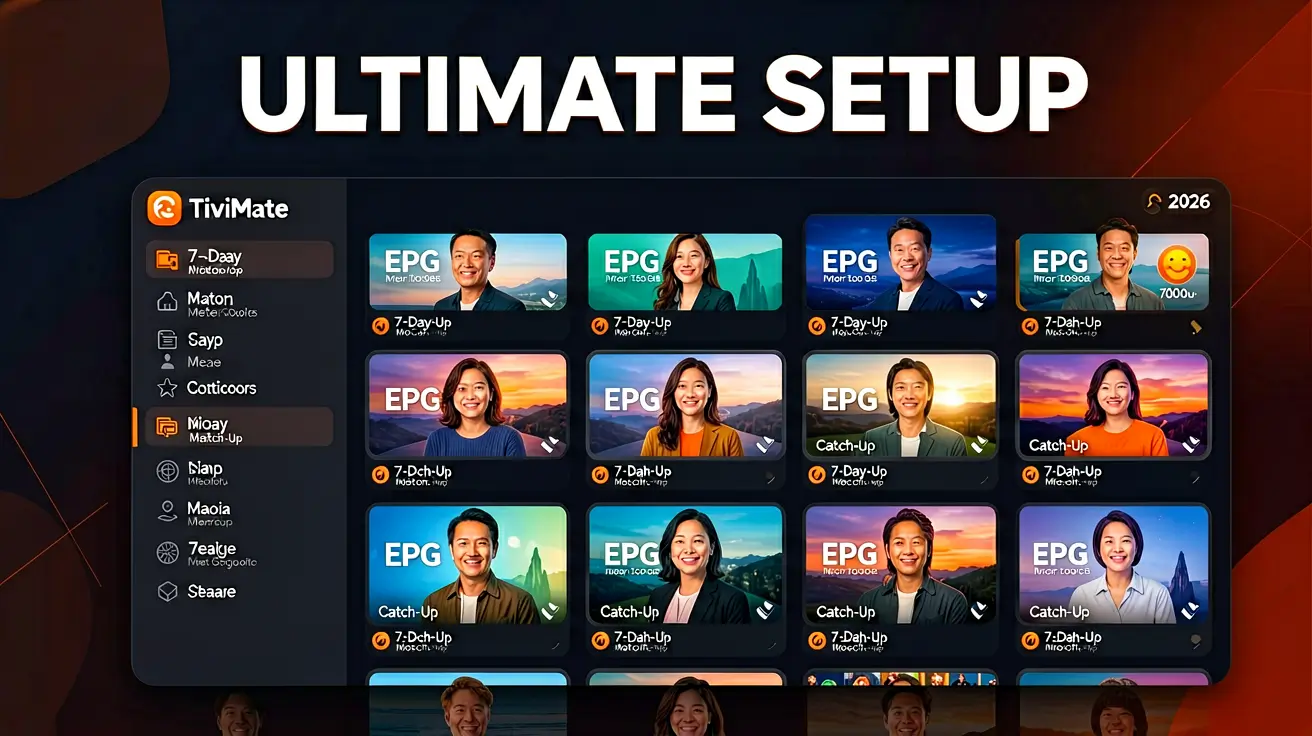
- TiviMate: Best overall IPTV player, but no Arabic UI. Arabic EPG text renders correctly, but the interface is English-only. Recommended for users who are comfortable with an English interface.
- OTT Navigator: Good Arabic support, RTL interface. Slightly less polished than IPTV Smarters but handles large Arabic channel lists well.
- MyTVOnline (Formuler only): Excellent Arabic support, designed specifically for Formuler hardware. Clean interface, fast channel switching.
Arabic EPG setup tips
Most Arabic IPTV providers include EPG data automatically via Xtream Codes. If your provider does not include EPG, or if the Arabic text renders incorrectly:
- Ask your provider for an XMLTV URL that includes Arabic EPG data.
- In your player, go to Settings → EPG → Add Source → enter the XMLTV URL.
- Set the EPG encoding to UTF-8 (this is usually the default, but some players default to ISO-8859-1 which breaks Arabic characters).
- Update the EPG and verify Arabic text displays correctly in the guide grid.
Further reading
- What devices are compatible with IPTV? — broad compatibility guide.
- Formuler Z11 Pro setup guide — Formuler-specific configuration.
- MAG vs Formuler vs Android Box — dedicated box comparison.
- Best Android TV box for IPTV — if you want an Android device instead.
Daniyar built the subscription, auth, and anti-leech systems at NANO IPTV. Previously wrote billing systems for an Eastern European ISP. Writes about troubleshooting, diagnostics, and the boundary between user-side and provider-side issues.
Which devices run IPTV, which IPTV apps work best on each platform, and how to set them up — from Android TV and Apple TV to Smart TVs, PCs, and gaming consoles.