Best Budget Android Boxes for IPTV Under $50 — 2026 Value Picks
The cheapest Android TV boxes that actually work for IPTV in 2026. Honest reviews of budget boxes under $50 — what you get, what you sacrifice, and which ones to avoid.
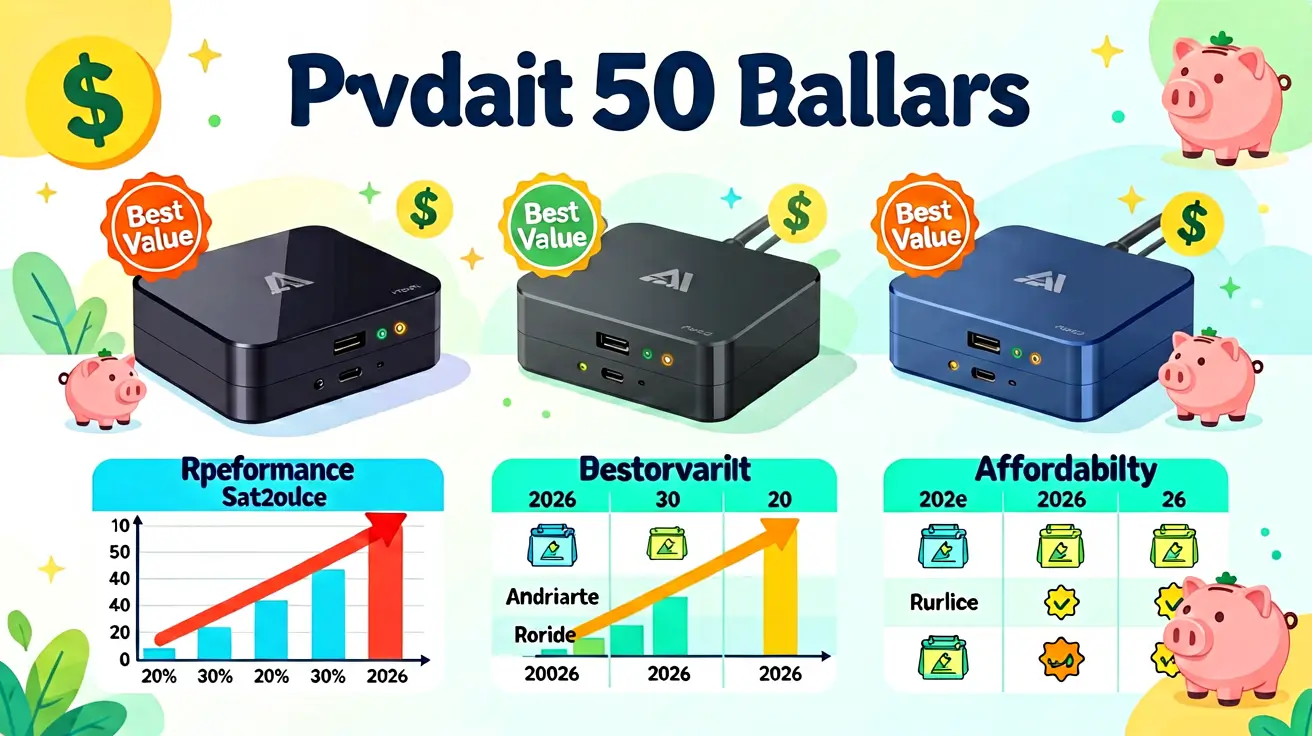
You do not need to spend $200 on an Nvidia Shield to watch IPTV. Budget Android TV boxes under $50 can run TiviMate and IPTV Smarters, handle 1080p streams, and provide a decent viewing experience. The trade-off is performance — budget boxes have less RAM, slower processors, and weaker WiFi than premium devices. This guide ranks the best budget Android boxes for IPTV, explains what you get and what you sacrifice at each price point, and tells you which cheap boxes to avoid entirely.
Budget vs premium: what you actually sacrifice
At the budget tier, you give up three things:
- RAM: Budget boxes typically have 1-2 GB RAM vs 3 GB on the Shield. This means fewer apps can run simultaneously, and large channel lists (15,000+) may cause stuttering.
- Processor: Amlogic S905X3 or older vs Tegra X1+ on the Shield. Budget processors handle 1080p well but struggle with 4K60 HDR content.
- WiFi: Some budget boxes only have 2.4 GHz WiFi, which is too slow for stable 4K. Always choose dual-band (2.4 + 5 GHz) or wired Ethernet.
For most IPTV viewers who watch 1080p content and do not need multi-screen or recording, a budget box is perfectly adequate.
The ranking
1. ONN 4K Pro ($50) — best budget overall
Walmart's house brand delivers the best value in budget IPTV boxes. Android TV 12, 2 GB RAM, 16 GB storage (double the Chromecast), dual-band WiFi, and a Gigabit Ethernet port. The ONN 4K Pro is the only budget box that includes both Gigabit Ethernet and 16 GB storage — features that usually require spending $100+. The build quality is plasticky and the remote is basic, but the hardware specs are unbeatable at this price. TiviMate runs smoothly, channel switching is fast, and the EPG loads without lag.
Verdict: The best budget IPTV box. Buy this if you want maximum value.
2. Chromecast with Google TV HD ($30) — cheapest entry point
The cheapest way to get IPTV on your TV. Google TV runs natively, TiviMate and IPTV Smarters install from Google Play. 2 GB RAM, 8 GB storage, dual-band WiFi. The HD model (not 4K) supports up to 1080p — sufficient for most IPTV subscriptions. No Ethernet port (WiFi only), which is the main limitation. If your WiFi is stable and you watch 1080p content, this is the cheapest functional IPTV device.
Verdict: Cheapest entry point. WiFi-only is the main limitation.
3. Xiaomi Mi Box S 2nd Gen ($45) — reliable mid-budget
Android TV 12, 2 GB RAM, 8 GB storage, dual-band WiFi, Chromecast built-in. The Xiaomi remote has dedicated Netflix and Prime Video buttons. Performance is comparable to Chromecast with Google TV but with a more polished remote and build quality. No Ethernet port — WiFi only. A solid choice if you want a slightly more refined experience than the Chromecast.
Verdict: Reliable mid-budget option. No Ethernet is the trade-off.
4. MECOOL KM2 Plus ($45) — budget with Ethernet
Android TV 11, 2 GB RAM, 8 GB storage, dual-band WiFi, and a 100 Mbps Ethernet port. The MECOOL KM2 Plus is one of the few budget boxes with Ethernet — important for stable IPTV streaming. The Ethernet port is 100 Mbps (not Gigabit), but that is still sufficient for 4K streams (which peak at around 25 Mbps). TiviMate runs well. The remote is basic but functional.
Verdict: Best budget box with Ethernet. The 100 Mbps port is sufficient for IPTV.
5. X96 Max Plus ($25) — ultra-budget
The cheapest Android TV box that actually works for IPTV. Amlogic S905X3, 2 GB RAM, 16 GB storage, dual-band WiFi. No Ethernet. The build quality is cheap and the remote is laggy, but TiviMate runs and 1080p streams play smoothly. The X96 Max Plus is a good choice for secondary rooms (bedroom, kitchen) where you want a functional IPTV device without spending much.
Verdict: Ultra-budget for secondary rooms. Not recommended as a primary device.
What to avoid
- Boxes under $15: These use Amlogic S905W or older chips with 1 GB RAM. They cannot handle 1080p streams reliably and the cheap WiFi modules cause constant buffering.
- Boxes with only 2.4 GHz WiFi: 2.4 GHz is congested in most apartments and cannot sustain 4K streams. Always choose dual-band or wired Ethernet.
- Boxes with less than 2 GB RAM: 1 GB RAM is insufficient for modern IPTV players. TiviMate crashes with 1 GB RAM when browsing large channel lists.
- Unbranded AliExpress boxes: Many unbranded boxes claim 4K support but use outdated SoCs that cannot decode H.265/HEVC at 4K60. Check the processor model before buying.
Setting up a budget box for IPTV
- Connect to TV via HDMI and to internet via Ethernet (if available) or WiFi.
- Sign in with Google account to access Google Play.
- Install TiviMate (recommended) or IPTV Smarters from Google Play.
- Enter your Xtream Codes credentials.
- Hide unused categories to reduce RAM usage — this is important on budget boxes with 2 GB RAM.
- Set buffer size to 500-750 in TiviMate settings (lower than the Shield's 1500) to prevent memory overflow.
Further reading
- Best Android TV box for IPTV — full ranking including premium options.
- Nvidia Shield IPTV setup — the premium alternative.
- IPTV Smarters on Fire Stick — another budget-friendly option.
- IPTV buffering fixes — if your budget box buffers.
Daniyar built the subscription, auth, and anti-leech systems at NANO IPTV. Previously wrote billing systems for an Eastern European ISP. Writes about troubleshooting, diagnostics, and the boundary between user-side and provider-side issues.
Which devices run IPTV, which IPTV apps work best on each platform, and how to set them up — from Android TV and Apple TV to Smart TVs, PCs, and gaming consoles.