Formuler Z11 Pro for IPTV — Complete Setup & Feature Guide
Everything you need to know about the Formuler Z11 Pro for IPTV — MyTVOnline setup, features, comparison with MAG and Android boxes, and honest verdict.
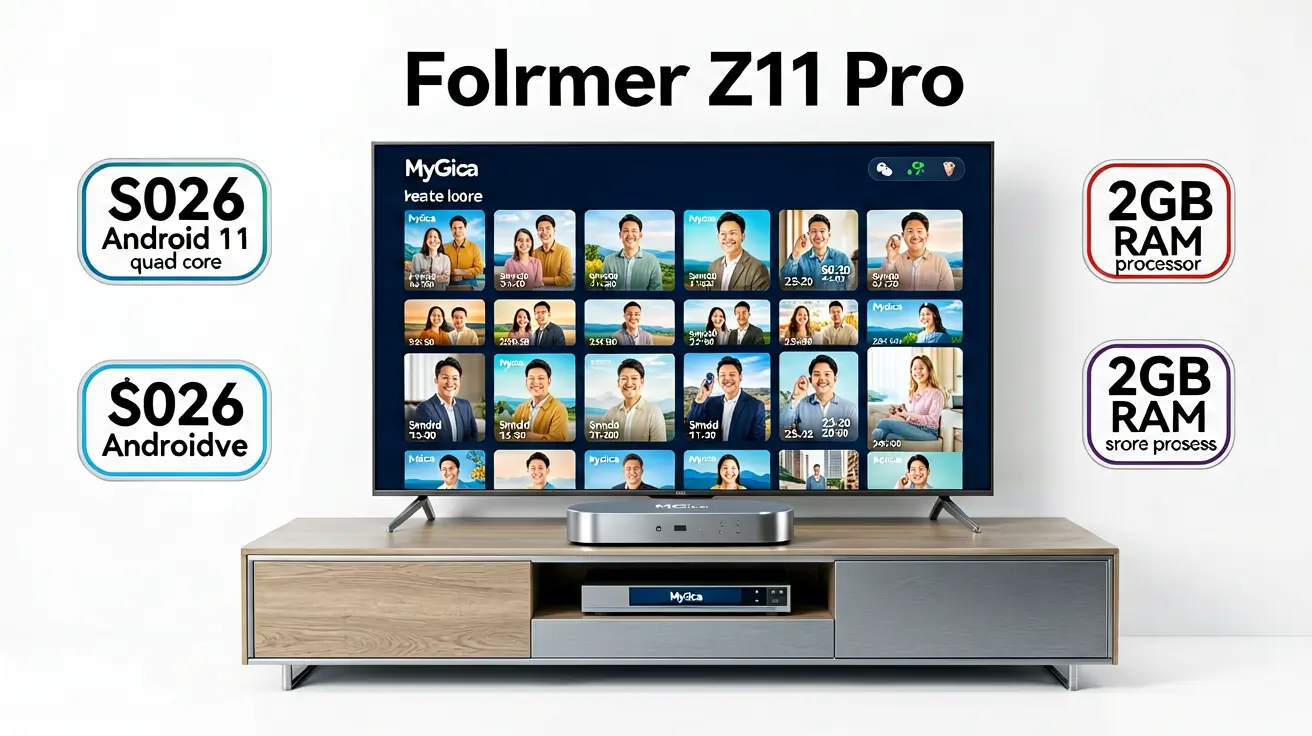
The Formuler Z11 Pro is a dedicated IPTV box that runs MyTVOnline2 — a purpose-built IPTV player designed specifically for Formuler hardware. Unlike Android TV boxes that run general-purpose apps, the Formuler is a single-purpose device optimized for live TV. This makes it faster and more stable than Android boxes for IPTV, but less versatile for other use cases. This guide covers the Z11 Pro's features, how to set it up, and whether it is the right device for your IPTV setup.
What is the Formuler Z11 Pro
Formuler is a South Korean company that makes dedicated IPTV set-top boxes. The Z11 Pro is their mid-range model (the Z11 Pro Max is the premium option). Unlike Android TV boxes, the Formuler runs a custom Linux-based OS with MyTVOnline2 as the primary application. MyTVOnline2 is not a general-purpose IPTV player — it is a dedicated IPTV client designed for Formuler hardware, which means it is faster and more stable than TiviMate or IPTV Smarters on Android, but it also means you cannot install other apps (no Netflix, no YouTube, no web browser).
Hardware specs
- Processor: Amlogic S905X4-B — quad-core ARM Cortex-A55, hardware decoding for H.265/HEVC, VP9, and AV1.
- RAM: 2 GB DDR4 — sufficient for MyTVOnline2 but less than the Shield's 3 GB.
- Storage: 16 GB eMMC — enough for MyTVOnline2 and its cache. No expandable storage.
- WiFi: Dual-band 802.11ac (2.4 + 5 GHz).
- Ethernet: Gigabit Ethernet — essential for stable 4K IPTV.
- HDMI: HDMI 2.1 — supports 4K60, HDR10+, HLG.
- Audio: Dolby Atmos passthrough via HDMI.
- Remote: Bluetooth remote with dedicated channel up/down and recording buttons.
Setup process
- Connect the Z11 Pro to your TV via HDMI and to the internet via Ethernet (recommended) or WiFi.
- Power on. The FormULER boot screen appears, followed by the MyTVOnline2 setup wizard.
- Select your language (Arabic, English, and 20+ languages supported).
- Choose your connection type:
- XTREAM-CODES API: Enter your server URL, username, and password. Categories and EPG load automatically.
- M3U PLAYLIST: Enter your M3U URL. This works but does not support Xtream-specific features (catch-up, VOD categories).
- Click Connect. MyTVOnline2 loads your channels, categories, and EPG within 30 seconds.
MyTVOnline2 features
- EPG: Full grid EPG with current and upcoming programs. Arabic and English EPG render correctly with proper RTL support.
- Channel list: Fast loading, smooth scrolling. Handles 25,000+ channels without lag.
- Multi-screen: Watch up to 4 channels simultaneously in a 2x2 grid on a single device. Multi-screen consumes your plan's single stream — every panel counts as part of that one connection.
- Recording: Connect a USB drive or NAS to record live TV. Recording starts and stops via the remote's dedicated record button.
- Time-shift: Pause and rewind live TV (requires the channel to support time-shift from the provider side).
- favorites: Organize channels into custom groups. Favorite groups appear at the top of the channel list.
- Parental controls: PIN-protect channels or categories. Useful for households with children.
Formuler vs Android TV boxes
| Feature | Formuler Z11 Pro | Android TV Box (e.g., Shield) |
|---|---|---|
| IPTV performance | Faster (dedicated app, optimized hardware) | Good (depends on player app and RAM) |
| App ecosystem | MyTVOnline2 only — no Netflix, YouTube | Full Google Play Store — Netflix, YouTube, Plex, etc. |
| EPG quality | Excellent — purpose-built for IPTV | Varies by player (TiviMate excellent, others average) |
| Recording | Built-in via USB/NAS | Via Kodi or TiviMate Premium |
| Price | $130 (Z11 Pro) | $50-200 (varies by model) |
| Flexibility | IPTV only | IPTV + streaming apps + gaming + browser |
Who should buy the Formuler
The Formuler Z11 Pro is ideal for users who:
- Watch IPTV as their primary TV source and do not need Netflix, YouTube, or other streaming apps.
- Want the fastest possible channel switching and EPG loading.
- Prefer a dedicated device that does not get slow over time (no Android bloatware).
- Need recording via USB drive without installing additional software.
For users who want IPTV plus streaming apps plus a web browser, an Android TV box (Shield, Firestick, Chromecast) is more versatile.
Further reading
- MAG vs Formuler vs Android Box — dedicated box comparison.
- Best Android TV box for IPTV — Android alternatives.
- What devices are compatible with IPTV? — broad compatibility guide.
- Best streaming devices 2026 — cross-category comparison.
Sasha handles the server fleet and network topology. Background in telecom and ISP operations — if something needs to get packets from A to B with sub-millisecond jitter, she is the person who makes it happen. Writes about player configuration, latency, and protocol internals.
Which devices run IPTV, which IPTV apps work best on each platform, and how to set them up — from Android TV and Apple TV to Smart TVs, PCs, and gaming consoles.