Best Android TV Box for IPTV 2026 — Buying Guide & Reviews
The best Android TV boxes for IPTV in 2026 — specs, benchmarks, and honest recommendations from budget to premium. Which box is worth your money.
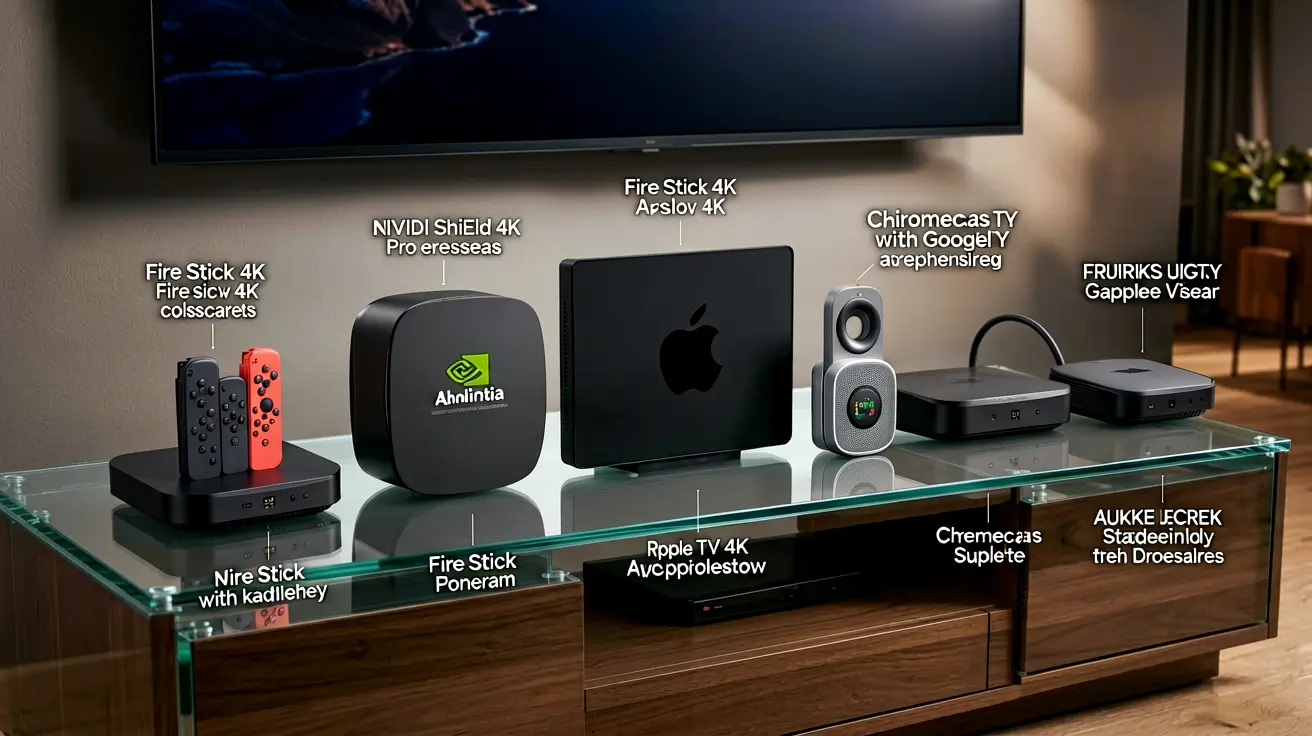
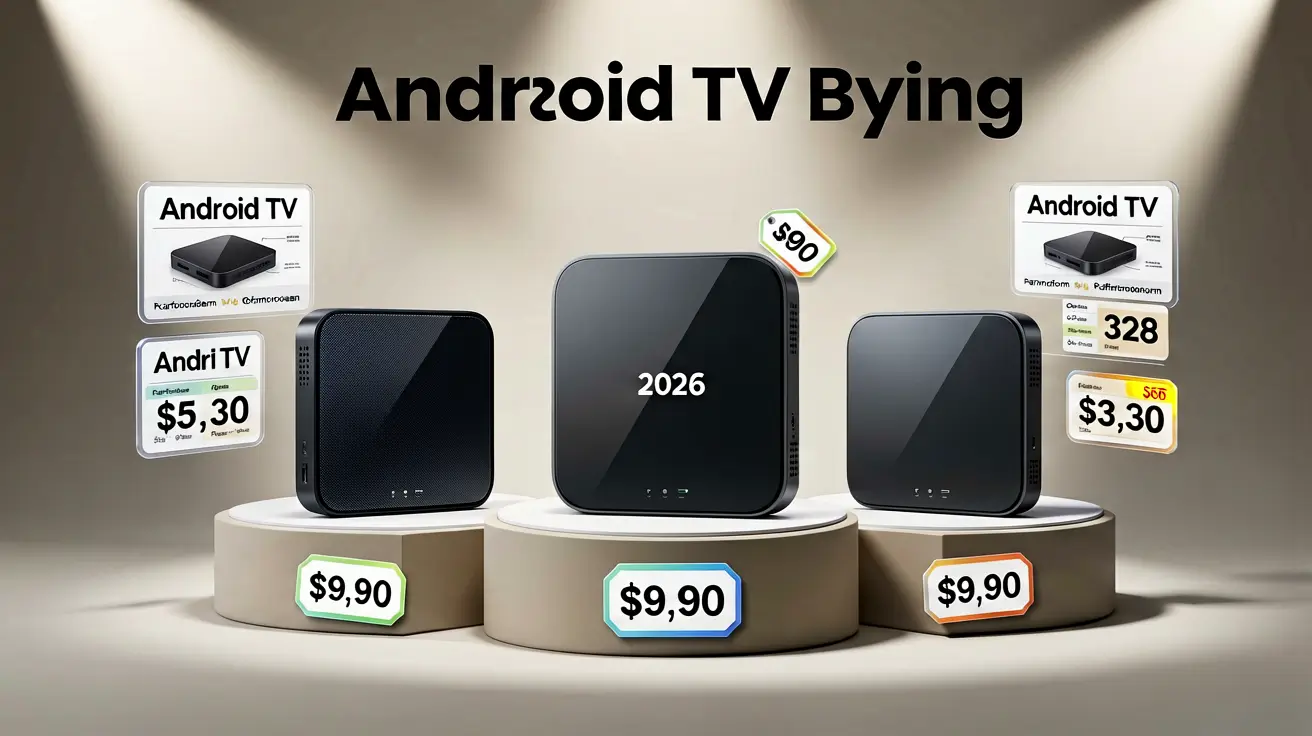
Not every Android TV box is good for IPTV. The market is flooded with cheap boxes that promise 4K but deliver 720p with constant buffering. The difference between a $30 no-name box and a $200 Nvidia Shield is not just price — it is RAM, processor speed, WiFi stability, and whether the player apps actually run smoothly. This guide ranks the best Android TV boxes for IPTV based on real-world performance, not marketing specs.
What makes a good IPTV box
IPTV has specific hardware requirements that differ from general streaming:
- RAM (minimum 2 GB, recommended 3+): IPTV players load channel lists, EPG data, and video streams simultaneously. Less than 2 GB causes stuttering and app crashes, especially with large channel lists (10,000+).
- Processor (Amlogic S905X4 or better): The SoC handles video decoding. Amlogic S905X3/X4 handles 4K HDR60. Older S905 chips struggle with 1080p60.
- WiFi (dual-band 802.11ac minimum): 2.4 GHz WiFi is too slow and congested for stable 4K IPTV. Dual-band 5 GHz or wired Ethernet is essential.
- Storage (16+ GB): More storage means more apps can be installed simultaneously. 8 GB fills up fast with TiviMate, IPTV Smarters, OTT Navigator, and a few VOD apps.
- Ethernet (Gigabit preferred): Wired connections eliminate WiFi instability. Gigabit Ethernet handles 4K streams without bottlenecks.
The ranking
1. Nvidia Shield TV Pro ($200) — best overall
The gold standard for IPTV. The Tegra X1+ processor handles every codec, every resolution, and every audio format without breaking a sweat. 3 GB RAM runs TiviMate, IPTV Smarters, and OTT Navigator simultaneously without memory pressure. Gigabit Ethernet, dual-band WiFi 6, Dolby Vision, and AI upscaling. The only downside is price — at $200, it costs four times more than budget options. But if you watch IPTV daily and want zero compromises, this is the device.
Best for: Home theater setups, power users, anyone who watches IPTV daily.
2. Amazon Firestick 4K Max ($55) — best value
The most popular IPTV device by sales volume. 2 GB RAM is tight but sufficient for TiviMate or IPTV Smarters. Dual-band WiFi 6, Dolby Vision, and HDR10+. The Firestick's weakness is RAM — with 2 GB, you need to hide unused categories in your player to prevent crashes. But for $55, nothing beats the value. Sideload TiviMate via Downloader for the best experience. Our Firestick IPTV setup guide covers the sideloading process.
Best for: Budget-conscious viewers, first-time IPTV users, anyone who wants a simple setup.
3. Chromecast with Google TV 4K ($50) — best native experience
Runs Android TV natively — no sideloading required for IPTV Smarters (available on Google Play). TiviMate also available from Google Play. 2 GB RAM, dual-band WiFi, Dolby Vision. The Google TV interface is cleaner than Fire TV. Storage is limited to 8 GB. The main advantage over Firestick: no Amazon ecosystem lock-in, and Google Play Store access is more open.
Best for: Users who prefer Google ecosystem, want native app store access without sideloading.
4. Xiaomi Mi Box S 2nd Gen ($60) — solid mid-range
Android TV 12, 2 GB RAM, 8 GB storage, Chromecast built-in, dual-band WiFi. Runs TiviMate and IPTV Smarters from Google Play. Performance is comparable to Chromecast with Google TV but with a slightly more refined remote. The Xiaomi remote has dedicated Netflix and Prime Video buttons. Not a major advantage but not a disadvantage either.
Best for: Users who want a reliable mid-range option without brand preference.
5. ONN 4K Pro ($50) — budget king
Walmart's house brand. Android TV 12, 2 GB RAM, 16 GB storage (double the Chromecast), dual-band WiFi, Ethernet port. The ONN 4K Pro is the best budget IPTV box because it has more storage than competitors at the same price. The build quality is plasticky but functional. The remote is basic but works. If you are on a tight budget and do not need premium features, this is the box to buy.
Best for: Budget viewers, secondary rooms, anyone who wants maximum storage for the price.
6. MECOOL KT1 ($70) — niche pick for root access
Android TV 11, 2 GB RAM, 16 GB storage, dual-band WiFi, Ethernet. The MECOOL KT1 is notable for its unlockable bootloader — you can install custom firmware (LineageOS, CoreELEC) for a more flexible experience. Not recommended for casual users, but excellent for tinkerers who want full control over their IPTV box.
Best for: Advanced users, Linux enthusiasts, anyone who wants to customize their box beyond stock Android TV.
What to avoid
- Boxes under $20: These use Amlogic S905W or older chips with 1 GB RAM. They cannot handle 1080p streams reliably, and the cheap WiFi modules cause constant buffering.
- "4K" boxes with no brand: Many unbranded boxes from AliExpress claim 4K support but use outdated SoCs that cannot decode H.265/HEVC at 4K60. Check the processor model before buying.
- Boxes with only 2.4 GHz WiFi: 2.4 GHz is congested in most apartments and cannot sustain 4K streams. Always choose dual-band (2.4 + 5 GHz) or wired Ethernet.
How to set up your new box
Once you have your Android TV box, the setup process is straightforward:
- Connect the box to your TV via HDMI and to the internet via Ethernet (preferred) or WiFi.
- Sign in with your Google account to access Google Play Store.
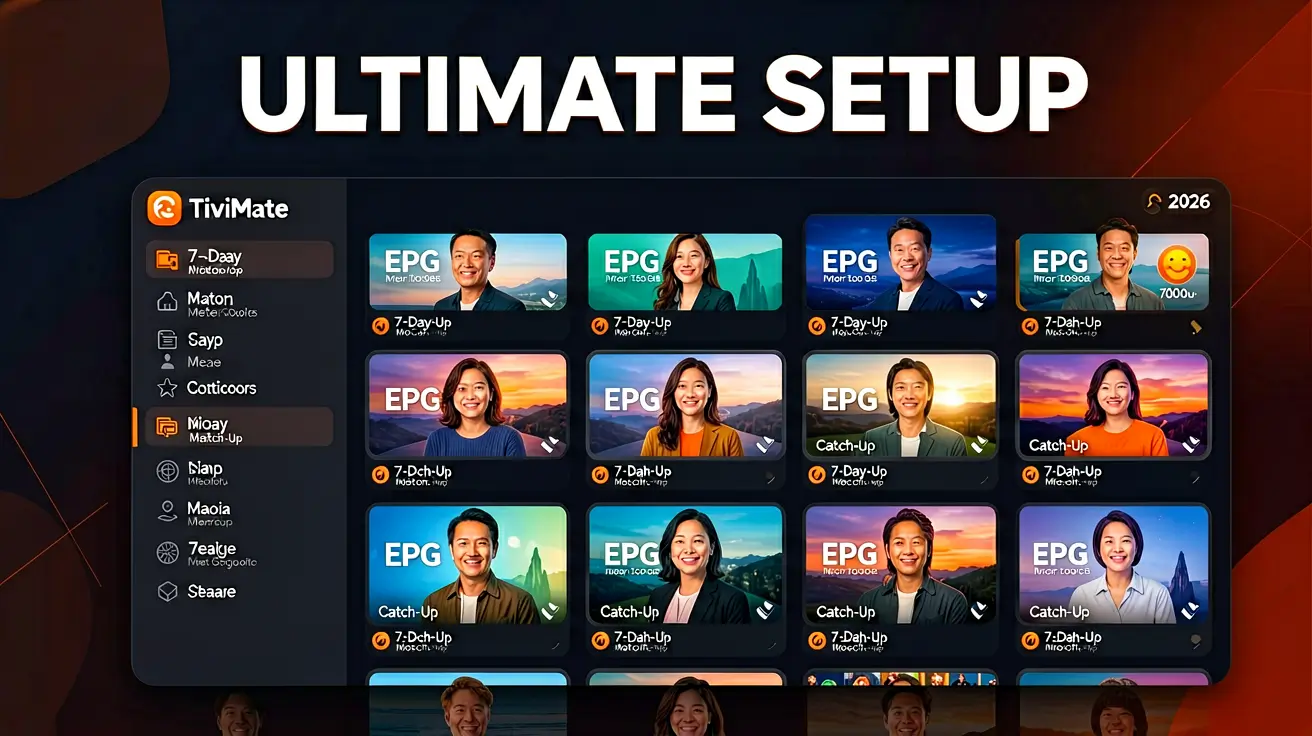
- Install TiviMate or IPTV Smarters from Google Play.
- Enter your Xtream Codes credentials (server URL, username, password).
- The EPG loads automatically. Start watching.
For detailed setup on Android TV, read our Android TV IPTV setup guide.
Further reading
- What devices are compatible with IPTV? — broad device compatibility guide.
- Nvidia Shield IPTV setup — Shield-specific deep dive.
- Budget Android boxes under $50 — if you want to spend even less.
- MAG vs Formuler vs Android Box — dedicated IPTV box comparison.
- Best streaming devices 2026 — cross-category comparison including non-Android options.
Marcus runs the routing and encoding pipeline at NANO IPTV. Ten years of streaming infrastructure experience across CDN, HLS, and MPEG-DASH. Previously at a Nordic broadcast uplink provider. Writes about the practical side of getting a stream from the source to the screen.
Which devices run IPTV, which IPTV apps work best on each platform, and how to set them up — from Android TV and Apple TV to Smart TVs, PCs, and gaming consoles.