Best Streaming Devices 2026 — Hardware Comparison for IPTV
Firestick vs Apple TV vs Nvidia Shield vs Chromecast vs Smart TVs — which streaming device handles IPTV best in 2026? Hardware specs, codec support, Ethernet, and value compared.
The best IPTV subscription in the world is only as good as the device it runs on. A $30 Firestick and a $200 Nvidia Shield play the same channel — but not with the same channel-switching speed, the same 4K/HDR fidelity, or the same stability under load. This guide compares every major streaming device category in 2026 specifically for IPTV: what hardware actually matters, how the devices differ, and which one is right for your setup and budget.
What to look for in a device for IPTV
- RAM (2 GB minimum, 3+ GB recommended): IPTV players cache channel data and EPG grids in memory. 1 GB devices crash when navigating large playlists.
- Codec support: For 4K/HDR you need hardware decoding of H.265/HEVC (and ideally AV1 for future-proofing). Software decoding means judder. Check what 4K and HDR actually require.
- Ethernet vs WiFi: A wired Gigabit port eliminates the #1 IPTV instability — WiFi. Devices without Ethernet can add a USB adapter.
- Player availability: TiviMate runs on Android TV and Fire TV only. Apple TV uses iPlayTV and IPTV Smarters. Desktop uses VLC/Kodi. The player comparison maps players to platforms.
The device categories in 2026
Streaming sticks — Firestick and Chromecast
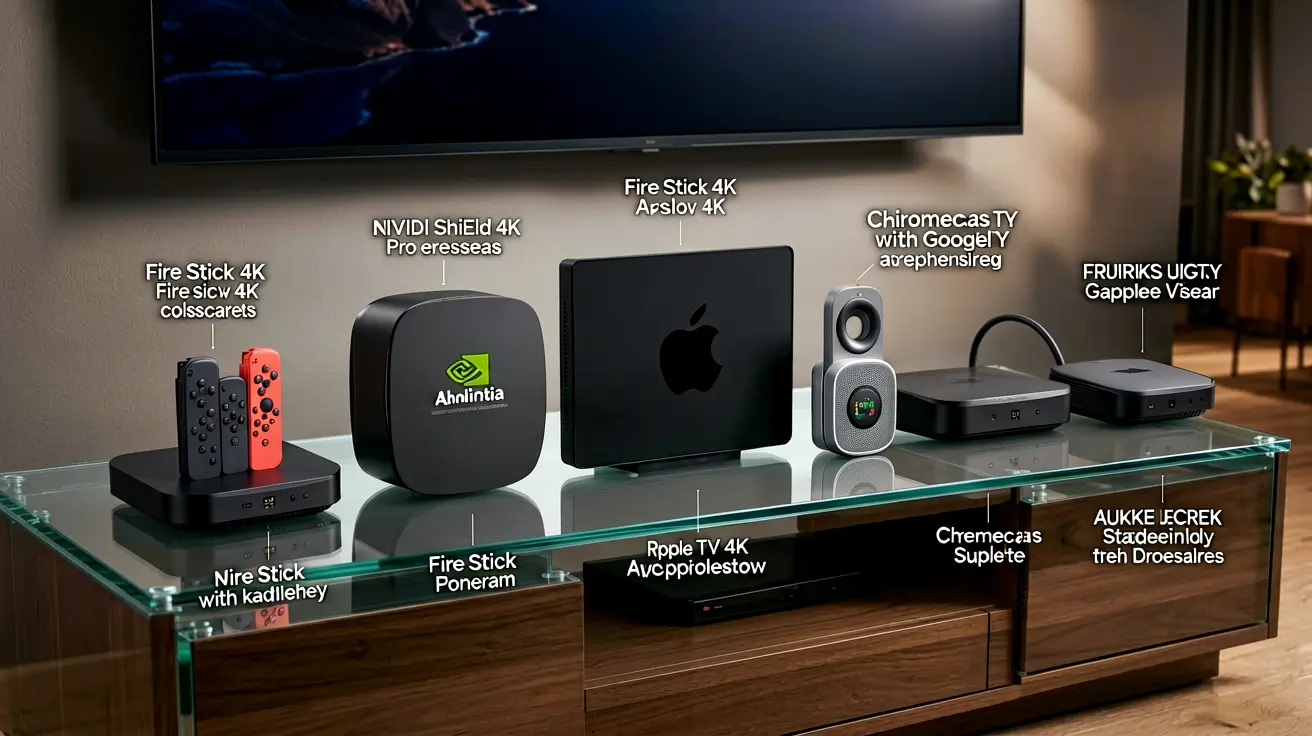
The default choice for most IPTV users. The Fire TV Stick 4K Max (2 GB RAM, WiFi 6, HDR10+) costs about $55 and runs TiviMate and IPTV Smarters well — sideloading is straightforward. Chromecast with Google TV runs Android TV apps natively (no sideloading) but has less storage. For full setup steps, see the IPTV Smarters on Fire Stick guide and the Fire TV 2026 setup guide.
Android TV boxes — Nvidia Shield and beyond
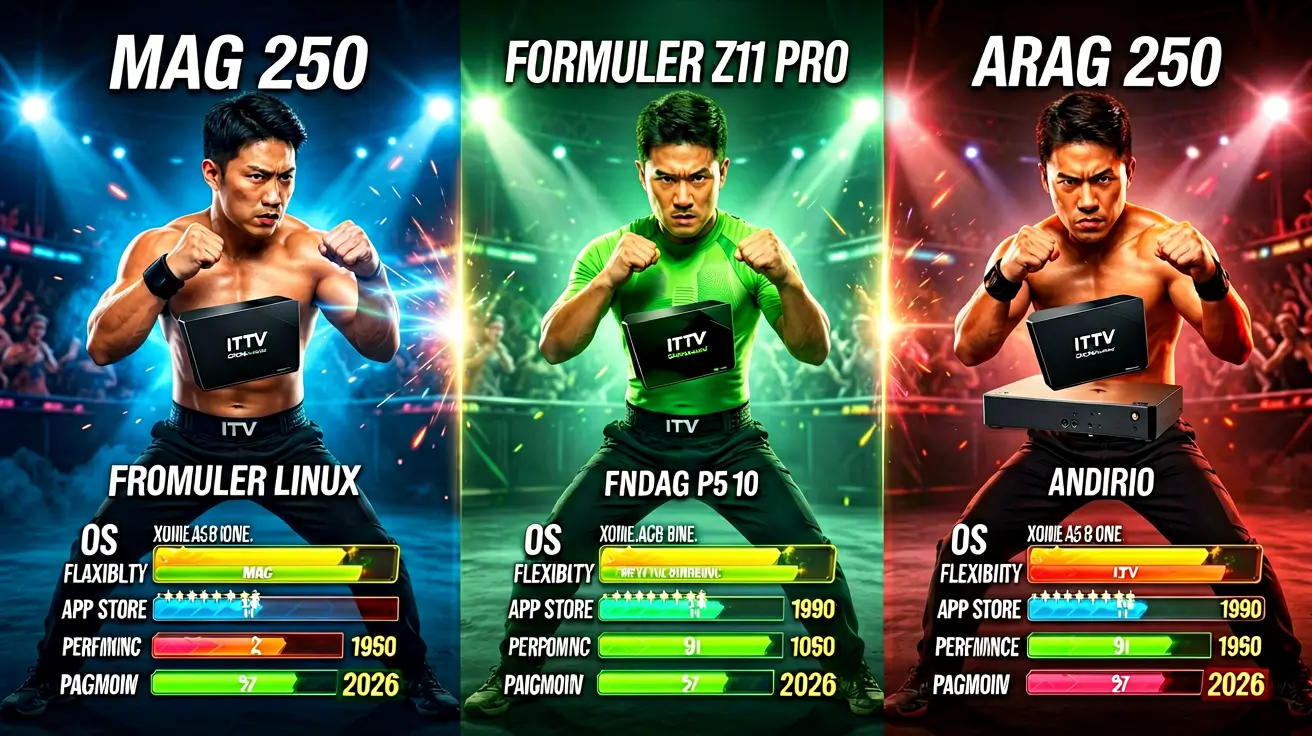
The power-user tier. The Nvidia Shield TV Pro is the only device that handles every codec, Dolby Vision, and TrueHD passthrough — the home-theater gold standard at $200. A full range of Android boxes, ranked by specs and price, is covered in the Android TV box buying guide, with the Shield deep dive and MAG vs Formuler vs Android comparison for the alternatives.
Apple TV
Excellent build, smooth interface, and fast channel switching via iPlayTV or IPTV Smarters. The trade-offs: no sideloading, no VLC-based IPTV, and premium pricing. The iOS and Apple TV setup guide covers every option.
Smart TVs
Zero extra hardware — Samsung Tizen, LG webOS, and Google TV models run IPTV players directly. The catch: fewer player choices, slower updates, and weaker SoCs than dedicated boxes. The Smart TV setup guide details the per-platform steps.
PC and gaming consoles
Windows and macOS run VLC, Kodi, and full desktop players — the most flexible option, covered in the PC setup guide. Consoles (PS5, Xbox) are workable but limited; the console guide has the honest verdicts.
Streaming device comparison table
| Device | Price | RAM | Ethernet | 4K/HDR | Best IPTV Player | Best For |
|---|---|---|---|---|---|---|
| Fire TV Stick 4K Max | ~$55 | 2 GB | No (USB optional) | HDR10+ | TiviMate, Smarters | Budget mainstream |
| Chromecast with Google TV | ~$50 | 2 GB | No | HDR10+ | TiviMate (no sideload needed) | Clean Google TV UI |
| Nvidia Shield TV Pro | ~$200 | 3 GB | Yes | Dolby Vision + TrueHD | TiviMate, Kodi | Home theater power users |
| Apple TV 4K | ~$129+ | 4 GB | Yes (Gigabit) | Dolby Vision | iPlayTV, Smarters | Apple ecosystem |
| Smart TV (Tizen/webOS) | Included | Varies | Yes (TV port) | Varies | Smarters | No extra hardware |
| Windows PC / Mac | Already owned | 8+ GB | Yes | Yes | VLC, Kodi | Flexibility and recording |
Which device should you buy?
- Budget mainstream: Fire TV Stick 4K Max. Best value per dollar for IPTV, easy sideloading, TiviMate runs smoothly.
- Best overall performance: Nvidia Shield TV Pro — but only if you need Dolby Vision/TrueHD and home-theater features. Most viewers do not.
- Apple household: Apple TV 4K with iPlayTV.
- Zero hardware: A recent Google TV or Samsung TV with IPTV Smarters.
Whichever you choose, confirm it has enough RAM for large playlists and wire it with Ethernet if possible — that single choice prevents more buffering than any other upgrade. For compatibility across every screen you own, the full device compatibility guide is the reference.
Frequently asked questions
What is the best device for IPTV in 2026?
For most people, the Fire TV Stick 4K Max — $55, runs TiviMate and IPTV Smarters, easy sideloading. For home-theater users, the Nvidia Shield TV Pro. The Android box ranking in the buying guide covers the full spectrum.
Do I need a Shield for good IPTV?
No. The Shield's advantages (Dolby Vision, TrueHD passthrough, every codec) matter for a home theater. For regular living-room viewing, a Firestick performs within a few seconds of it at a third of the price.
Is Ethernet worth it for IPTV?
Yes. WiFi is the single most common cause of buffering and intermittent freezing. If your device lacks an Ethernet port, a USB-to-Ethernet adapter is the cheapest upgrade you can make.
Can I run IPTV on a Smart TV without a box?
Yes, on Samsung Tizen, LG webOS, and Google TV via IPTV Smarters. Performance depends on the TV's SoC — budget TVs with weak processors struggle with large playlists. See the Smart TV guide for which models work well.
Once you have the right device, test your setup with a free 24-hour trial — full line-up, no card required.
Marcus runs the routing and encoding pipeline at NANO IPTV. Ten years of streaming infrastructure experience across CDN, HLS, and MPEG-DASH. Previously at a Nordic broadcast uplink provider. Writes about the practical side of getting a stream from the source to the screen.
Which devices run IPTV, which IPTV apps work best on each platform, and how to set them up — from Android TV and Apple TV to Smart TVs, PCs, and gaming consoles.