What Devices Are Compatible with IPTV? — Complete 2026 Guide
The complete guide to every device that runs IPTV in 2026 — Android TV, Firestick, Apple TV, iOS, Smart TVs, PCs, gaming consoles, and more. Which ones work best and what to avoid.
IPTV runs on a wider range of devices than any other television technology — and that is both its strength and its weakness. The strength: you can watch on a $30 Firestick or a $2,000 home theater PC. The weakness: not every device runs every player, and not every player supports every feature. This guide covers every device category that can run IPTV, which players work best on each, and what you miss out on with each platform.
Device categories — the quick overview
Every IPTV-compatible device falls into one of four categories, and each category has different strengths:
| Category | Examples | Best For | Trade-Off |
|---|---|---|---|
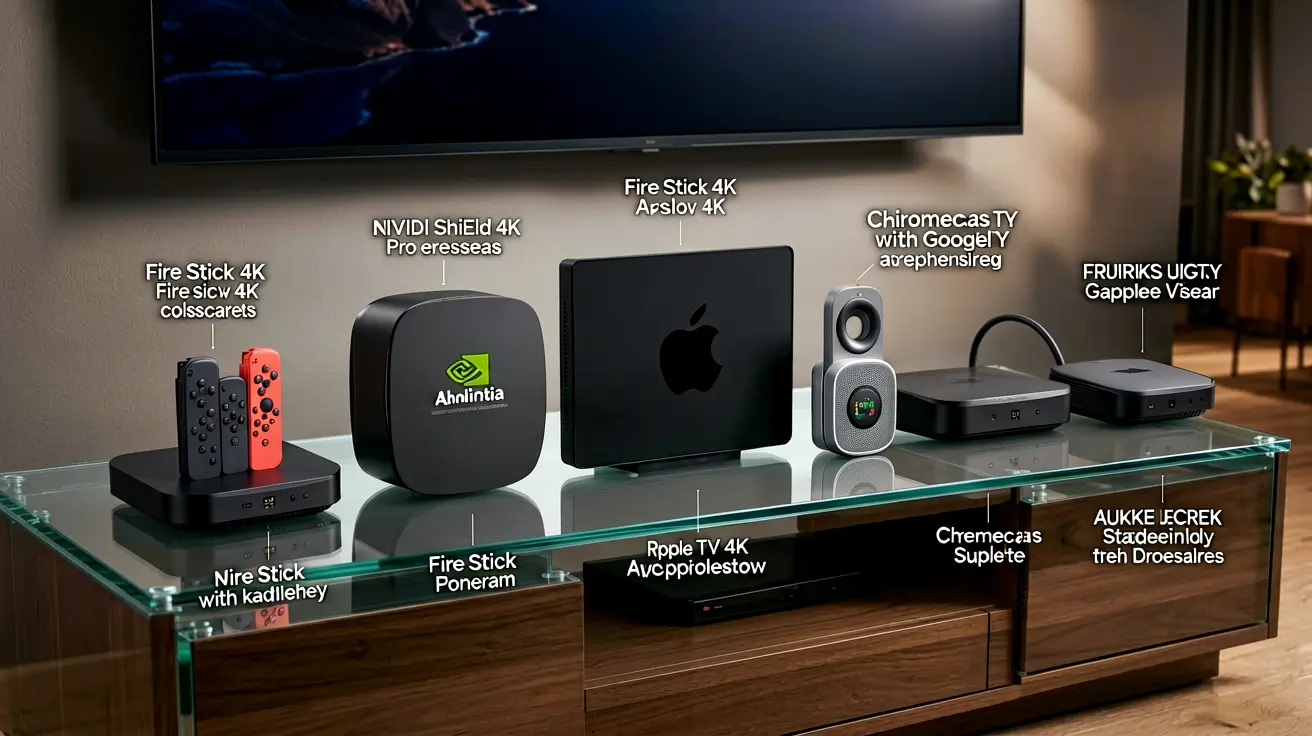
| Streaming sticks / boxes | Firestick, Chromecast, Nvidia Shield, Apple TV | Best balance of cost, ease, and features | Some require sideloading; Apple TV lacks VLC |
| Smart TVs | Samsung Tizen, LG webOS, Sony Google TV | No extra hardware needed | Fewer player choices; less frequent updates |
| Desktop / laptop | Windows PC, Mac, Linux | VLC, Kodi, browser-based players | Not a TV-native experience |
| Mobile / tablet | iPhone, iPad, Android phone/tablet | Watch anywhere; built-in casting | Screen size; battery drain on long streams |
| Gaming consoles | PS5, Xbox Series X, Nintendo Switch | One device for gaming + TV | Limited player options; Switch has no IPTV app |
1. Streaming sticks and boxes — the sweet spot
Streaming sticks and boxes are the most popular IPTV devices because they are inexpensive, dedicated to TV, and run the best IPTV players:
- Amazon Firestick 4K Max ($55): The most popular IPTV device in the world. Runs TiviMate, IPTV Smarters, OTT Navigator, and Kodi. Supports HDR10+ and Dolby Atmos. Sideloading is straightforward. The Firestick's only limitation is RAM — the 4K Max has 2 GB, enough for smooth streaming but not enough for heavy multi-tasking.
- Nvidia Shield TV Pro ($200): The premium option. Runs every Android TV player, supports Dolby Vision, TrueHD passthrough, and AI upscaling. The only device that can handle every codec and every audio format. Overkill for most users but the gold standard for home theater setups.
- Google Chromecast with Google TV ($50): Runs Android TV apps natively (no sideloading needed for IPTV Smarters). Google TV interface is clean. Less storage than Firestick (8 GB vs 16 GB), so fewer apps can be installed simultaneously.
- Apple TV 4K ($129): Runs iPlayTV and IPTV Smarters. Smooth interface, fast channel switching, and deep integration with the Apple ecosystem. Does not support VLC for IPTV (VLC works for local files but lacks the M3U/Xtream Codes import that dedicated IPTV players offer). No sideloading possible.
2. Smart TVs — native apps without extra hardware
Modern Smart TVs can run IPTV directly through their app store — no Firestick or Chromecast needed. But the experience varies significantly by platform.
Samsung (Tizen OS): IPTV Smarters is available in the Samsung app store. Setup takes under 5 minutes: install the app, enter your Xtream Codes credentials, and the EPG loads automatically. No sideloading required. The trade-off: Tizen has fewer IPTV apps than Android TV, and Samsung's automatic brightness adjustment can interfere with some streams.
LG (webOS): Similar story — IPTV Smarters is available in the LG content store. webOS is smooth and responsive on 2024+ models. Older LG TVs (pre-2020) may not have enough RAM for stable IPTV playback above 1080p.
Sony (Google TV): Full Android TV experience — install TiviMate, IPTV Smarters, or any Android IPTV app directly from Google Play. This is the best Smart TV option for IPTV because it gives you the same app selection as a dedicated streaming box, built into the TV.
For detailed setup instructions on every Smart TV platform, read our IPTV on Smart TVs guide.
3. Desktop and laptop — VLC, Kodi, and browser options
Windows, macOS, and Linux all support IPTV through several applications. The experience is not as polished as a dedicated streaming box (using a mouse and keyboard for channel surfing is awkward), but desktop IPTV is useful for testing, multi-tasking, and recording streams.
- VLC Media Player: Open Network Stream → paste M3U URL → watch. VLC is the most reliable fallback on any desktop OS. No EPG support, no category browsing — just raw streams.
- IPTV Smarters Desktop: Available for Windows and macOS. Xtream Codes login, EPG, VOD, and a TV-native interface optimized for desktop screens.
- Kodi: The power-user option. Install the IPTV Simple Client add-on, point it at your M3U URL, and get a full EPG, recording, and PVR functionality.
For step-by-step setup on each OS, read IPTV on PC — Windows and macOS setup guide.
4. Mobile and tablet
IPTV on phones and tablets is practical for on-the-go viewing, but the smaller screen makes extended watching less comfortable than a TV. The best mobile setup:
- iPhone / iPad: IPTV Smarters or iPlayTV (plus). Both support Xtream Codes and M3U. iPlayTV has a better EPG interface on iPad. AirPlay to Apple TV works in both apps. Our iOS and Apple TV setup guide covers every option.
- Android phone / tablet: TiviMate (mobile version), IPTV Smarters, or OTT Navigator. OTT Navigator is particularly good on phones because its interface is designed for touch. Casting to a Chromecast-enabled TV works with most apps.
5. Gaming consoles — limited but possible
Gaming consoles are the weakest IPTV device category. The PlayStation 5 and Xbox Series X can run IPTV through their web browsers or a few available media apps, but the experience is limited. The Nintendo Switch has no IPTV-compatible app at all.
For those determined to make it work, our IPTV on gaming consoles guide covers the specific limitations and workarounds for each platform.
Dedicated device guides
If you want a deep dive into a specific device, these guides cover setup, configuration, and optimization for each platform:
- IPTV Smarters on Fire Stick — complete setup guide — sideloading, Xtream Codes login, and troubleshooting.
- Best Android TV box for IPTV 2026 — buying guide with specs and benchmarks.
- Nvidia Shield TV Pro for IPTV — Shield deep dive: settings, players, and home theater integration.
- Formuler Z11 Pro for IPTV — MyTVOnline2 setup and features.
- Best budget Android boxes under $50 — cheapest boxes that work for IPTV.
- MAG vs Formuler vs Android Box — dedicated IPTV box comparison.
- Arabic IPTV boxes — best devices for Arabic channels.
Which device should you choose?
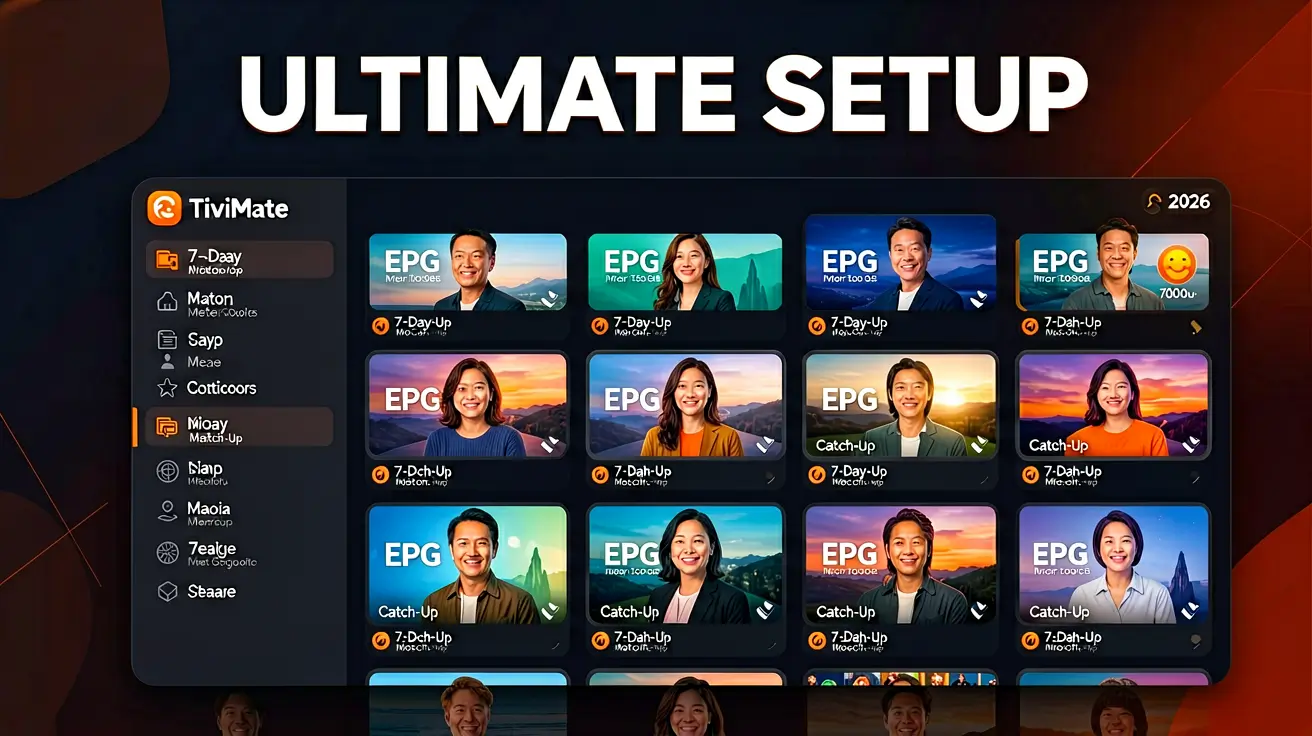
If you are starting from scratch and want the best IPTV experience, buy an Amazon Firestick 4K Max and install TiviMate. It costs $55, takes 10 minutes to set up, and gives you the best IPTV experience available on any device at any price. For a home theater setup with Dolby Vision and TrueHD, choose the Nvidia Shield TV Pro. If you want to use what you already own, check the compatibility guides above for your specific platform.
Marcus runs the routing and encoding pipeline at NANO IPTV. Ten years of streaming infrastructure experience across CDN, HLS, and MPEG-DASH. Previously at a Nordic broadcast uplink provider. Writes about the practical side of getting a stream from the source to the screen.
Which devices run IPTV, which IPTV apps work best on each platform, and how to set them up — from Android TV and Apple TV to Smart TVs, PCs, and gaming consoles.